
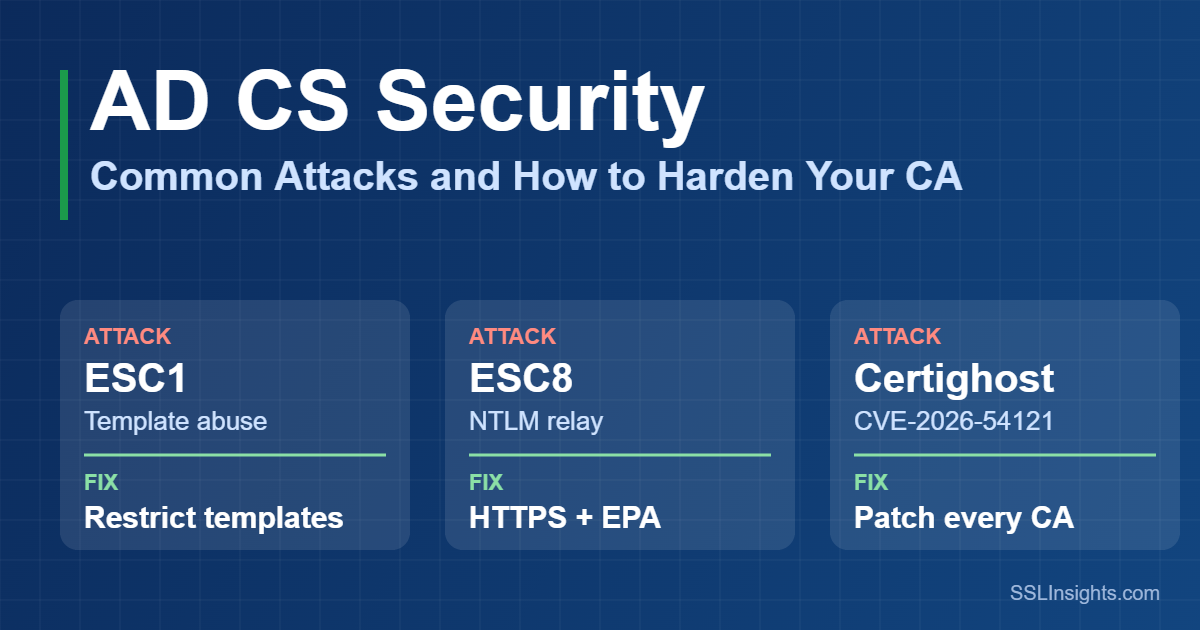
AD CS security needs three fixes: patch every CA, lock down web enrollment, and remove risky certificate template settings. Attackers seldom break AD CS itself. Instead, they abuse settings that let a low-privileged user obtain a certificate for a domain admin or domain controller.
Microsoft’s October 2026 report shows this path in two real intrusions. This guide maps each common attack to its fix, in the order to apply them.
Quick Definition
Active Directory Certificate Services (AD CS) is the Windows Server role that runs a Microsoft certificate authority. It issues certificates that users, devices and services use to sign in and encrypt traffic. Because domain controllers accept those certificates for Kerberos sign-in, a forged certificate works like a stolen password.
Why Do Attackers Target Microsoft AD CS?
Attackers target AD CS because domain controllers accept a valid certificate as proof of identity for Kerberos sign-in. A single wrongly issued certificate can therefore let an attacker act as a domain admin or a domain controller.
Four factors make this path attractive:
- Certificates outlive passwords. According to Microsoft Threat Intelligence (October 2026), a password reset does not revoke an issued certificate.
- The CA mints identities. Whoever controls issuance controls which accounts the domain will trust.
- AD CS gets overlooked. NCC Group notes that security audits often skip it, so old weaknesses stay in place.
- Inventory gaps. A cryptographic posture management program helps you find forgotten templates and certificates.
AD CS issues private certificates that only your domain trusts. Public websites need public CAs, which SSLInsights explains in its free certificate guides.
What Are the Most Common AD CS Attacks?
Most AD CS attacks abuse configuration, not software bugs. SpecterOps named escalation classes ESC1 through ESC8 in its 2021 research, and later researchers added more.
The table lists the classes that matter most and the fix for each:
| Class | Weakness | What the attacker gains | Fix |
|---|---|---|---|
| ESC1 | Authentication template lets the requester set the subject, with broad enrollment and no approval | A certificate for any user, including a domain admin | Remove requester-supplied subjects, narrow enrollment, require approval |
| ESC2, ESC3 | Any Purpose or no-EKU template, or an open Certificate Request Agent template | Certificates on behalf of other users | Set specific purposes, restrict enrollment agents |
| ESC4 | Low-privileged accounts can edit a template | A template rewritten into ESC1 | Limit write rights to PKI admins |
| ESC6 | CA flag EDITF_ATTRIBUTESUBJECTALTNAME2 is on | Any enrollable template accepts a chosen identity | Turn the flag off |
| ESC7 | Wrong accounts hold ManageCA or ManageCertificates | Control of CA settings or request approval | Limit both rights to a few PKI admins |
| ESC8 | Web enrollment accepts relayed NTLM | A certificate for the relayed account | Require HTTPS and EPA, disable NTLM |
| ESC9, ESC10 | Template drops the security extension, or weak mapping settings | Impersonation through weak mapping | Keep strong mapping enforcement |
| ESC11 | CA accepts unencrypted RPC certificate requests | A relay path through the RPC interface | Enforce encrypted requests |
Microsoft’s 2026 intrusion report involved ESC1 and ESC8, so check those two first. Community tools now list ESC1 through ESC16, so re-audit after every template change.
What Did Microsoft’s October 2026 Intrusion Report Show?
Microsoft described two intrusions on October 30, 2026 that began with Teams help desk impersonation and Quick Assist. Microsoft reported no Teams vulnerability, and both cases relied on weak AD CS settings.
The two cases then split at the certificate layer:
- Case 1 (ESC1): The attacker used a vulnerable template to get certificates for 3 privileged accounts, then 8 more about 90 minutes later.
- DCSync: One privileged certificate was enough to authenticate to a domain controller and run DCSync within seconds.
- The excluded account: One privileged account sat outside automated containment. The attacker later used it to copy file-server data to an external SFTP site.
- Case 2 (ESC8): The attacker coerced a domain controller with PetitPotam and relayed its NTLM login to Web Enrollment. The result was a domain controller certificate for Kerberos PKINIT.
- Outcome: The customer isolated the workstation after alerts, and no further progress was observed.
These cases show how one skipped control can undo the others. Microsoft’s guidance targets exactly those gaps: template review for ESC1, and HTTPS with EPA for ESC8.
Reality Check
Resetting a password or reimaging a workstation does not revoke an issued certificate. Clients also learn about a revocation only after they fetch fresh CRL or OCSP data.
What Is Certighost (CVE-2026-54121) and How Do You Patch It?
Certighost is CVE-2026-54121, an improper authorization flaw (CWE-285) in AD CS. The National Vulnerability Database lists a CVSS 3.1 score of 8.8 and a network attack vector with low privileges required.
Microsoft shipped the fix in its July 14, 2026 security updates. Researchers published a working proof-of-concept on July 24, 2026, so unpatched CAs now carry real risk.
Check each CA against these minimum builds from the NVD record:
- Windows Server 2016: build 10.0.14393.9339 or later
- Windows Server 2019: build 10.0.17763.9020 or later
- Windows Server 2022: build 10.0.20348.5386 or later
- Windows Server 2025: build 10.0.26100.33158 or later
How Do You Stop NTLM Relay to AD CS Web Enrollment?
Require HTTPS and Extended Protection for Authentication (EPA) on every enrollment web endpoint, or remove the endpoint. This breaks the relay step that ESC8 and PetitPotam depend on.
Apply these KB5005413 steps on each AD CS server that hosts web enrollment:
- List your Certificate Authority Web Enrollment and Certificate Enrollment Web Service endpoints, and remove any you do not need.
- In IIS Manager, enable Require SSL so only HTTPS connections work.
- Set Extended Protection to Required for both services.
- For Certificate Enrollment Web Service, also set
extendedProtectionPolicytoAlwaysin its web.config file. - Restart IIS with
iisreset /restartfrom an elevated prompt. - Disable incoming NTLM on AD CS servers where possible, using Group Policy.
Test Kerberos-only authentication before you disable NTLM broadly. Microsoft’s October 2026 report also advises validating it before broad enforcement.
Pro Tip
Run iisreset /restart in a maintenance window. Microsoft notes that the command stops all running IIS services before it restarts them.
AD CS Security Checklist: Templates, CA Settings and CA Keys
Harden certificate templates first, then CA settings, then the keys and servers behind them. Each layer closes a different group of ESC attacks.
Work through this checklist on every CA:
- Templates (ESC1 to ESC4): Publish only the templates you use. Remove supply-in-request from authentication templates, narrow enrollment, and require manager approval where possible.
- CA flags and permissions (ESC6, ESC7): Confirm
EDITF_ATTRIBUTESUBJECTALTNAME2is off. Limit ManageCA and ManageCertificates to a few PKI admins. - RPC enrollment (ESC11): Enable the
IF_ENFORCEENCRYPTICERTREQUESTflag so the CA requires encrypted certificate requests. - Strong mapping (ESC9, ESC10): Microsoft’s KB5014754 made Full Enforcement the default with the February 2025 update. After the September 9, 2025 update, Microsoft no longer supports the registry fallback, so weakly mapped certificates fail authentication.
- CA servers and keys: Treat every CA like a domain controller, separate CA admin roles, and store CA keys in hardware security modules where possible.
Watch Out
Setting the 0x00080000 bit in msPKI-Enrollment-Flag stops a template from adding the SID extension. Use it only if those certificates never support Kerberos PKINIT or already carry another strong mapping. Attackers abuse templates that skip the extension, a weakness known as ESC9.
What Should You Monitor, and How Should You Respond?
Send CA and domain controller events to your SIEM, and alert on certificates issued for privileged accounts. Microsoft advises enabling the Certification Services audit subcategory and the CA audit filter.
Watch these Windows events:
- Events 4886 and 4887: The CA received a certificate request, then issued a certificate.
- Event 4768: A Kerberos ticket request, which carries certificate details when PKINIT is used.
- Events 4899 and 4900: A certificate template or its security settings changed.
- Event 5136: A directory object changed on a domain controller, including template objects.
- Kdcsvc events 39, 40 and 41: A certificate lacks a strong mapping or carries a mismatched SID.
If you find an unauthorized certificate, revoke it and publish updated revocation data. Then review Kerberos activity, because revocation does not cancel tickets that already exist.
Frequently Asked Questions About AD CS Security
What is an AD CS attack?
An AD CS attack abuses a certificate authority to obtain a certificate for an identity the attacker does not control. The attacker then uses that certificate to sign in through Kerberos. Common paths include weak templates (ESC1) and NTLM relay to web enrollment (ESC8).
What is ESC1 in AD CS?
ESC1 is a template misconfiguration. It lets a low-privileged user request an authentication certificate and supply any subject name, with no approval step. Fix it by removing requester-supplied subjects, narrowing enrollment, or requiring manager approval.
How do I secure Active Directory Certificate Services?
Patch every CA, lock down web enrollment with HTTPS and EPA, and clean up templates and CA flags. Then protect CA keys, treat CAs as Tier 0, and monitor certificate events. Work in that order, because the first two steps close the paths seen in 2026 intrusions.
What is ESC8 and how do you prevent it?
ESC8 is an NTLM relay attack against AD CS web enrollment. The attacker relays a machine or user login and requests a certificate as that account. Prevent it by removing unused endpoints, requiring HTTPS with EPA, and disabling NTLM where feasible.
Does resetting a password stop an AD CS attack?
No. A password reset does not revoke an issued certificate or invalidate Kerberos tickets that already exist. Revoke the certificate, publish revocation data, and review tickets as separate steps.
What are the best practices for AD CS?
Use a two-tier hierarchy with an offline root CA, and keep CAs off domain controllers. Publish only needed templates, limit CA admin roles, store keys in HSMs, and audit the CA. Then re-check templates after every change.