
Learn SSL for Free
Free SSL Learning Resources
SSLInsights is the free SSL certificate resource for website owners, developers, and IT professionals. Guides, tools, comparisons, and error fixes — all at no cost.
SSL (Secure Sockets Layer) is a cryptographic protocol that encrypts data between a browser and server. Modern sites use its successor TLS 1.3 - but the term "SSL certificate" remains the industry standard. Without it, visitor data travels in plaintext.
100%
Free Resources
8
Free SSL Tools
12K+
Free Resources
500+
Guides
How It Works
How does SSL encryption work?
When a visitor connects to your HTTPS site, a TLS handshake happens in milliseconds - authenticating your server and establishing an encrypted channel before a single byte of data transfers.
1. Browser Requests Connection
Visitor's browser sends a "hello" message with supported TLS versions and cipher suites to your server.
2. Server Presents Certificate
Your server responds with its SSL certificate, issued and signed by a trusted Certificate Authority (CA).
3. Certificate is Verified
The browser checks the CA's signature, expiry date, and that the certificate matches your domain.
4. Session Key Negotiated
Both parties agree on a symmetric session key. All data from this point is encrypted — unreadable to any interceptor.
Browser (Client)
Initiates TLS handshake
Sends supported cipher suites
Certificate Authority
Signs & validates certificate
Verified certificate returned
Your Server
Session key established
All data now encrypted with TLS 1.3 - under 100ms handshake time
SSL Certificate Types
Types of SSL Certificates Explained
DV, OV, EV, Wildcard, Multi-Domain, Code Signing — each serves a different need. Choose based on your validation requirement and domain structure.
Domain Validation
DV SSL Certificate
Verifies domain ownership only. Issues in minutes via automated challenge. Used for blogs, portfolios, and basic websites. Free options available via Let's Encrypt.
Organization Validation
OV SSL Certificate
Validates both domain control and business identity. Takes 1–3 business days. Recommended for e-commerce stores and professional services requiring visible trust signals.
Extended Validation
EV SSL Certificate
Highest validation tier. Requires full legal documentation review. Used by banks, healthcare portals, and large e-commerce platforms. Issues in 3–7 business days.
Wildcard Coverage
Wildcard SSL Certificate
Secures one primary domain and unlimited first-level subdomains under a single certificate (e.g. *.yourdomain.com). Ideal when running three or more subdomains.
Multi-Domain
Multi-Domain SSL Certificate
Covers up to 250 different domains under one certificate using Subject Alternative Names (SANs). Simplifies certificate management for multi-site deployments.
Software Security
Code Signing Certificate
Digitally signs software, scripts, and executables so end users can verify the publisher's identity and confirm the code hasn't been altered since signing.
Most Selling SSL Certificates from Trusted SSL Brands
Security shouldn't be a compromise. These are the industry's best-selling SSL certificates - battle-tested, trusted by millions of websites, and backed by the world's most reputable certificate authorities. Get bank-grade encryption at a price that won't break the budget.

$18.65/yr
Protect Only Single Domain
Unlimited Reissue
USD $10,000 Warranty

Best Wildcard SSL Certificates from Top Brands
One certificate. Infinite subdomains. Wildcard SSLs give you complete coverage - from shop.yourdomain.com to blog.yourdomain.com - under a single licence. Stop paying per subdomain and start securing your entire domain family for one flat annual price.
$759.17/yr
Issued in Minutes
Unlimited Server Licensing
Dynamic Digicert Seal
Best Wildcard SSL Certificates from Top Brands
One certificate. Infinite subdomains. Wildcard SSLs give you complete coverage - from shop.yourdomain.com to blog.yourdomain.com - under a single licence. Stop paying per subdomain and start securing your entire domain family for one flat annual price.
$149.31/yr
Secure Unlimited Sub Domains
Static Site Seal
Quick Issuance
Most Popular Code Signing Certificates rusted by Developers Worldwide
Your software deserves a verified identity. Code Signing certificates digitally sign your executables, scripts, and applications - eliminating "Unknown Publisher" warnings and giving end-users the confidence to install. Protect your software's reputation from the first click to the final download.


Comodo Code Signing Certificate
$219.45/yr
OV Code Signing
Display Verified Publisher Name
Remove Unknown Publisher warning


DigiCert Code Signing Certificate
$409.02/yr
Displays Verified Publisher Name
FIPS-140-2 USB Token
Removes Unknown Publisher Warnings

$288.20/yr
EV Code Signing
USB Token Storage
Verified Publisher’s Identity
Free SSL Tools
Free SSL certificate tools online
Eight free utilities covering every SSL task - from checking certificate status and generating CSRs to diagnosing mixed content and comparing providers.
SSL Checker Tool
Verify certificate validity, chain integrity, TLS version, and expiration for any domain instantly.
CSR Generator
Create a Certificate Signing Request without command-line access - browser-based, no installation needed.
SSL Converter Tool
Convert certificates between PEM, DER, PFX/PKCS12, and P7B formats for different server environments.
Why No Padlock
Identify mixed content issues preventing the padlock icon from displaying on your HTTPS site.
CSR Decoder
Decode and verify the domain name, organization details, and key size encoded in any CSR.
Certificate Key Matcher
Confirm that a certificate and its private key are a correctly matched pair before installation.
SSL Compare Tool
Side-by-side price and feature comparison across top certificate authorities. Find the best fit fast.
SSL Wizard
Answer five questions and get a specific SSL certificate recommendation matched to your exact setup.
Why You Need It
Why does every website need SSL?
SSL is not optional - browsers label all HTTP pages as "Not Secure" regardless of content. It's a Google ranking signal, a visitor trust signal, and a data protection requirement.
Data Encryption
Encrypts all data in transit - passwords, payment info, form submissions - so interceptors read only ciphertext.
Google Ranking Signal
HTTPS is a confirmed ranking factor. HTTP sites are disadvantaged in search results regardless of content quality.
Browser Trust Display
The padlock icon tells visitors the connection is secured. Missing it causes ~85% of users to abandon the page.
Compliance Requirements
PCI DSS requires HTTPS for any site processing card payments. HIPAA and GDPR also mandate encryption for regulated data.
SSLInsights Blogs
Security news, tutorials, and deep dives – published daily.
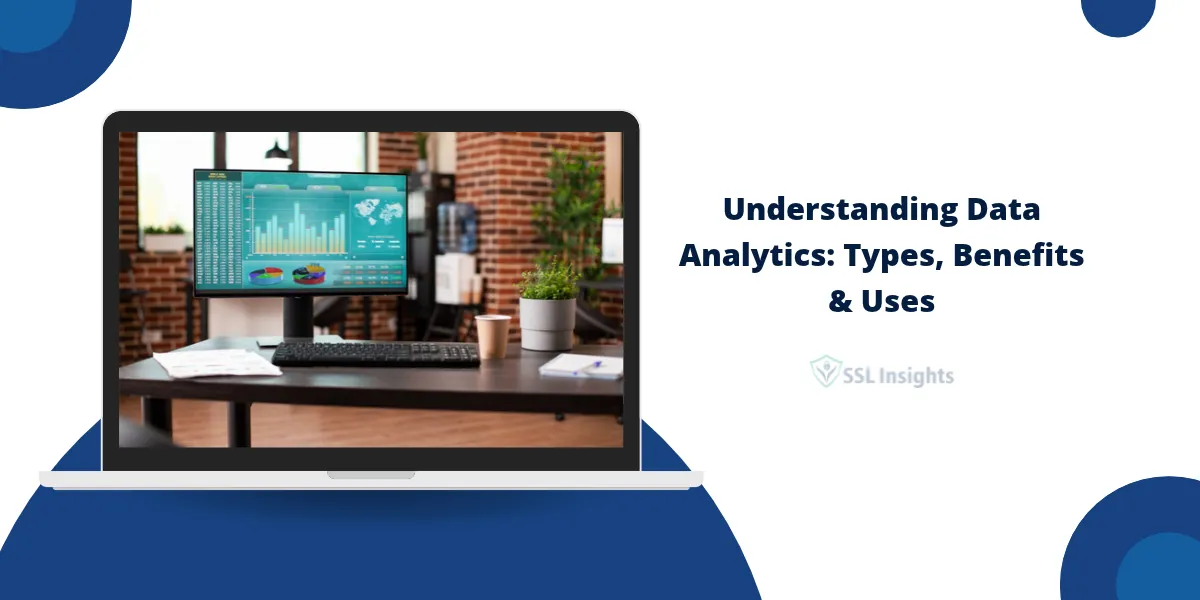
Understanding Data Analytics: Types, Benefits, and Applications
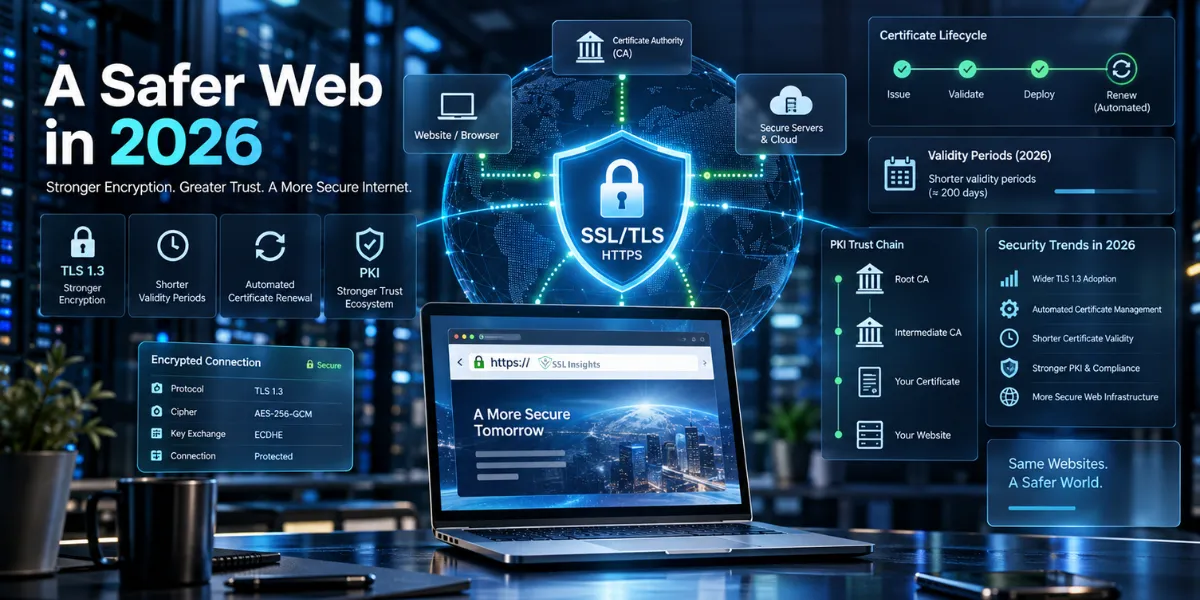
SSL/TLS in 2026: Key Changes, Security Trends, and What Website Owners Should Know

What Journalists and Newsrooms Should Know About Deepfakes
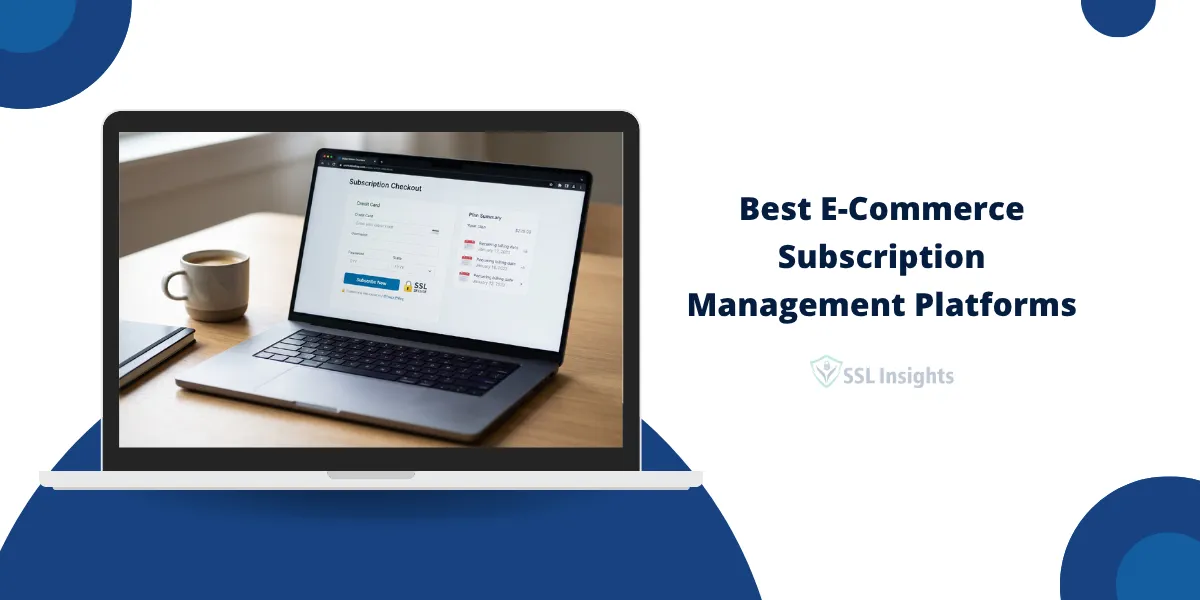
Best E-Commerce Subscription Management Platforms in 2026: Top 7 Ranked for Billing Accuracy and Payment Security

How to Learn SSL/TLS Without Getting Lost in the Technical Details
5 Best Managed Detection and Response (MDR) Providers: Features, Coverage and Use Cases
SSL Provider Reviews
It is advisable to read SSL certificate provider reviews to learn about other customers’ experiences, especially any major issues faced. User reviews and testimonials reveal important details regarding the quality of SSL certificates offered, the purchase and renewal process, available support channels and overall service satisfaction levels. By going through first-hand experiences and feedback shared by those who have used the SSL providers’ services, you can better ascertain the dependability and performance guarantee offered. This will aid your decision to determine which SSL provider offers robust certificates backed by reliable customer support.

Common Questions
Frequently Asked Questions
Q: What is the difference between SSL and TLS?
SSL is the original protocol, now deprecated due to vulnerabilities in SSL 2.0 and 3.0. TLS is the successor - TLS 1.2 and 1.3 are what all modern servers actually use. "SSL certificate" persists as industry shorthand even though every certificate today operates over TLS.
Q: Is my website SSL configured correctly if I see the padlock?
Not necessarily. The padlock confirms the certificate is valid, but it doesn't verify your TLS version is current, your cipher suite is secure, or your chain is complete. Run the SSL Checker Tool to verify all configuration layers, not just surface-level padlock status.
Q: What happens when an SSL certificate expires?
Browsers immediately display a full-page security warning that blocks visitor access. Search engines may also flag the site. Most CAs send warnings 30, 15, and 7 days before expiry. Auto-renewal via Let's Encrypt's ACME protocol prevents expiration if configured correctly.
Q: Do I need SSL if my website doesn't collect data?
Yes. HTTPS is a confirmed Google ranking signal regardless of whether your site collects data. Browsers label all HTTP pages as "Not Secure" in the address bar. A free Let's Encrypt certificate eliminates this issue at no cost.
Q: What is a wildcard SSL certificate and when do I need one?
A wildcard certificate secures one primary domain and unlimited first-level subdomains under a single certificate — for example, covering shop., blog., and mail. simultaneously. The right choice when managing three or more subdomains.
Q: How long does it take to get an SSL certificate?
DV certificates issue in minutes. OV takes 1–3 business days. EV requires 3–7 business days for legal documentation review. Free Let's Encrypt certificates issue in seconds when using an ACME client like Certbot.
Get the SSL Security Checklist - Free
Weekly tips on SSL security, vulnerability alerts, and provider deals.
Trusted by 12,000+ subscribers.
No spam. Unsubscribe anytime. We respect your inbox.