
Verified by Priya Mervana - Last reviewed: October 2026 | Web Security Expert, SSLInsights.com | Based on years reviewing certificate authorities across the software-publishing industry.
QUICK DEFINITION
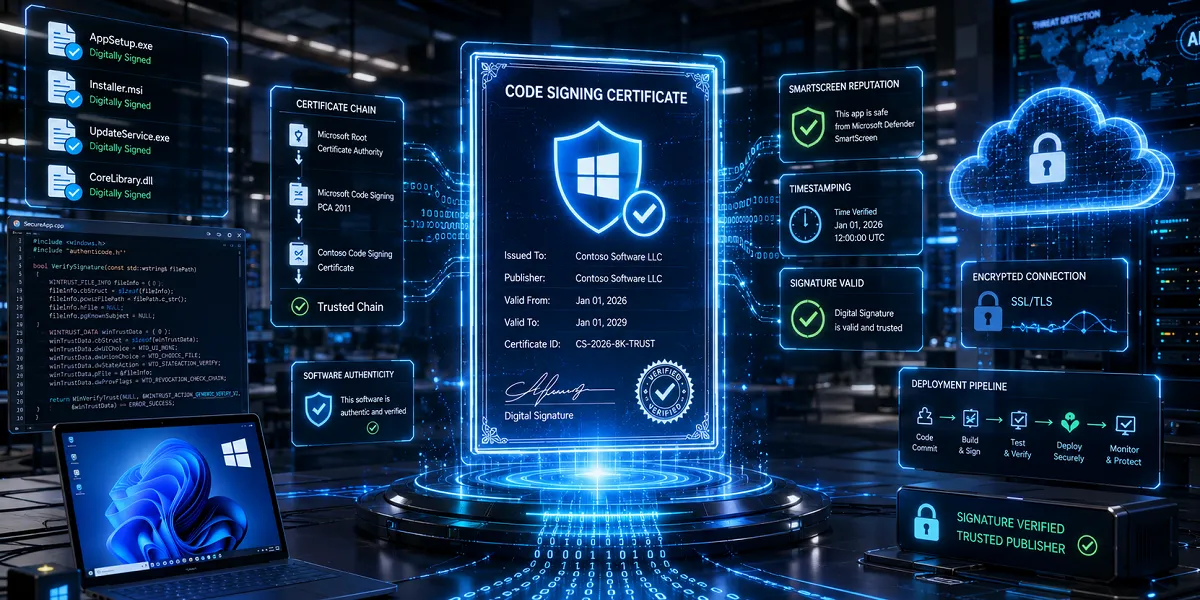
Code Signing Certificate, A digital certificate that signs Windows executables to verify the publisher's identity and confirm the file hasn't been altered. It binds your verified organization name to your software. Without it, Windows flags your application as from an "Unknown Publisher."
The best code signing certificate for a Windows application in 2026 is an OV (Organization Validation) certificate for established publishers, or an EV (Extended Validation) certificate when you need instant SmartScreen reputation.
Both now require hardware key storage. EV removes the Microsoft Defender SmartScreen warning faster, while OV costs less and suits internal or low-distribution apps. Your choice depends on distribution scale, budget, and how quickly you need users to trust the download.
What is the difference between OV and EV code signing certificates?
OV code signing verifies your organization exists; EV adds stricter vetting and immediate SmartScreen trust. Both sign Windows applications and both meet current industry rules. The gap is reputation speed and price.
EV certificates build Microsoft SmartScreen reputation almost immediately, so users stop seeing the blue warning sooner. OV certificates work but accumulate reputation gradually as downloads grow. For a full breakdown, see this OV vs EV comparison.
Do I need hardware to store the private key?
Yes. Since June 1, 2023, every code signing private key must be generated and stored on certified hardware. This applies to both standard (OV) and EV certificates.
The CA/Browser Forum requires storage on a device meeting FIPS 140-2 Level 2 or Common Criteria EAL 4+, per the CA/Browser Forum code signing requirements (effective June 2023). Browser-based key generation no longer works. You receive a USB token, or you use a cloud HSM.
Which validation level fits my Windows app?
Match the certificate to your distribution reach. The table below compares the two paths most Windows developers consider in 2026.
| Factor | OV Code Signing | EV Code Signing |
| Identity vetting | Organization verified | Extended organization checks |
| SmartScreen reputation | Builds over time | Near-immediate |
| Key storage | Hardware token or HSM | Hardware token or HSM |
| Typical use | Internal apps, low volume | Public retail software |
| Cost | Lower | Higher |
Best OV & EV Code Signing Certificates for Windows Applications (2026)


Sectigo Code Signing Certificate
$219.45/yr
OV Code Signing
Displays Verified Publisher Name
Removes Unknown Publisher Warnings

DigiCert Code Signing Certificate
$409.02/yr
Displays Verified Publisher Name
FIPS-140-2 USB Token
Removes Unknown Publisher Warnings


$288.20/yr
EV Code Signing
USB Token Storage
Verified Publisher’s Identity
DigiCert EV Code Signing Certificate
$576.35/yr
Issued in 0-3 Days
Unlimited Software Signing
Publisher Identity Vetting
In SSLInsights' review work across software publishers, teams shipping consumer installers almost always choose EV to avoid early download friction. Internal tools rarely need it.
Ready to secure your Windows application?
Compare verified OV and EV code signing certificates from trusted authorities and ship software your users can install without warnings.
How do I sign a Windows .exe after buying the certificate?
You sign with Microsoft SignTool using the certificate stored on your token or HSM. SignTool ships with the Windows SDK and applies your digital signature plus a trusted timestamp.
Plug in your token, run the SignTool command against your executable, then verify the signature in the file's Properties under Digital Signatures. For a step-by-step walkthrough, follow this guide on how to sign an exe file.
What should I check before choosing a provider?
Compare warranty, reissue policy, and supported signing methods, not just headline price. A cheap certificate that lacks cloud HSM support can cost you time in CI/CD pipelines.
Confirm the CA is trusted in the Microsoft Trusted Root Program, supports timestamping, and offers a hardware option that fits your workflow. Cloud signing matters most for automated builds. If you manage keys at scale, understand what a hardware security module does before committing.
How long does a code signing certificate last?
Most code signing certificates are valid for one to three years. Longer terms lower the annual cost but tie you to one provider and one token.
Timestamped signatures stay valid after the certificate expires, so software signed today keeps working tomorrow. Plan renewal early to avoid signing gaps. The code signing certificate renewal process repeats hardware setup, so order before your current key expires.
Frequently Asked Questions
Is EV code signing worth the extra cost for a small Windows app?
EV is worth it when you distribute publicly and want users to skip the SmartScreen warning from launch. For a small internal app, OV usually covers your needs at lower cost.
Can I still generate my private key in software?
No. Since June 1, 2023, all code signing keys must live on FIPS 140-2 Level 2 or Common Criteria EAL 4+ hardware. Software key generation is no longer accepted by any public CA.
Will an expired certificate break already-signed software?
No, if you timestamped your signature. Timestamping anchors the signature to a valid point in time, so signed applications keep running after expiry.
Which is the best provider for Windows code signing?
Trusted authorities like Sectigo, DigiCert, and GlobalSign all issue certificates in the Microsoft Trusted Root Program. Compare warranty, cloud signing support, and price rather than name alone.
Does code signing remove every Windows security warning?
It removes the "Unknown Publisher" warning and, with EV, the SmartScreen prompt over time. It does not bypass antivirus scans or replace good security practice.
The Bottom Line
The best code signing certificate for a Windows application in 2026 comes down to one question: how fast do you need user trust? Choose EV when you ship public software and want to clear the SmartScreen warning from day one. Choose OV when budget matters and your audience is internal or technical.
Both now demand hardware key storage, so factor a token or cloud HSM into your plan. The key insight: a certificate is only as useful as the reputation it carries, and reputation is what removes friction at the moment of download. Your next step is to compare validation levels against your distribution model, confirm the provider supports your build workflow, then order before any current certificate lapses.
Get your code signing certificate today
Stop losing installs to "Unknown Publisher" warnings. Browse OV and EV options from trusted certificate authorities and sign your Windows software with confidence.